Built for both screens
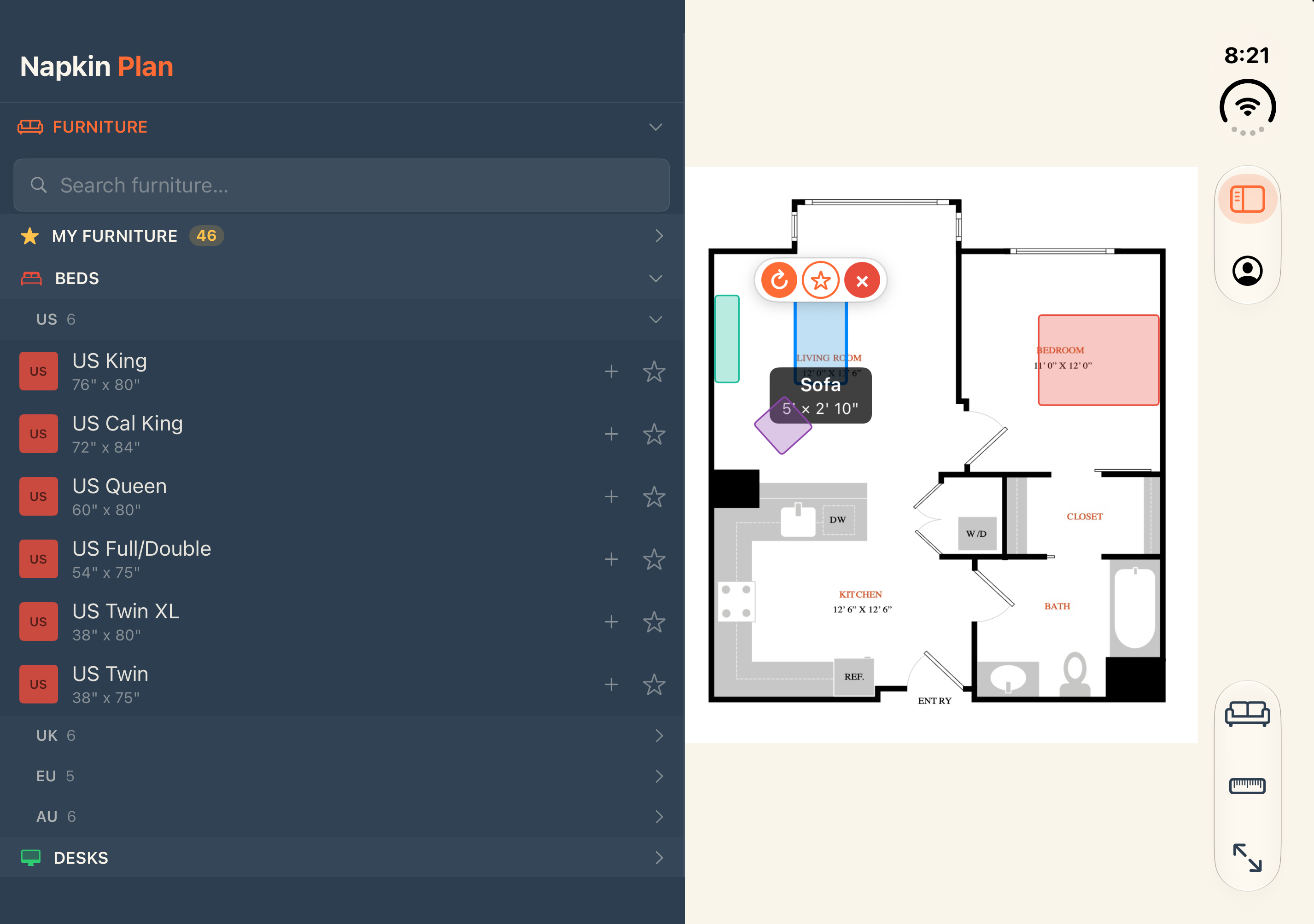
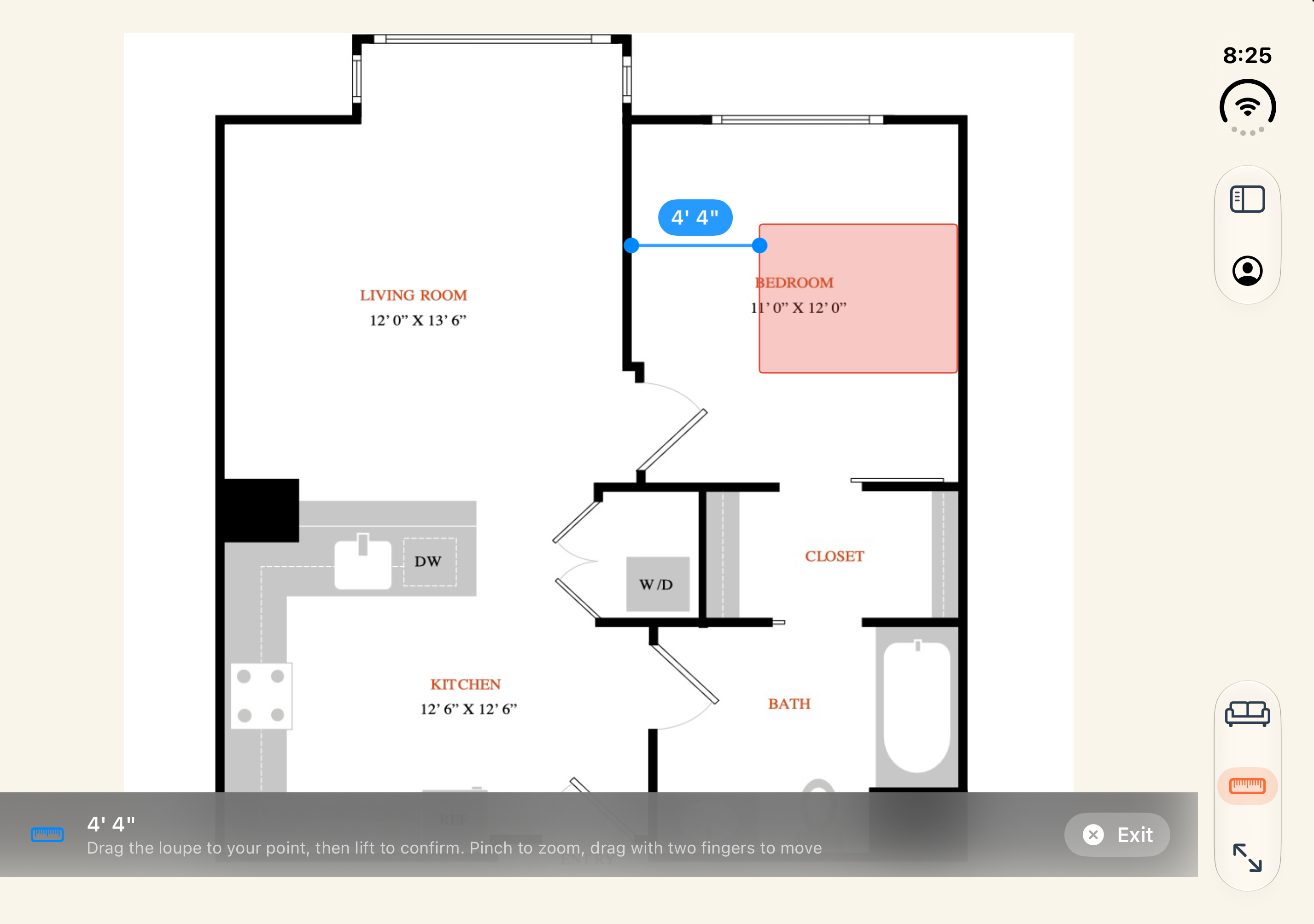
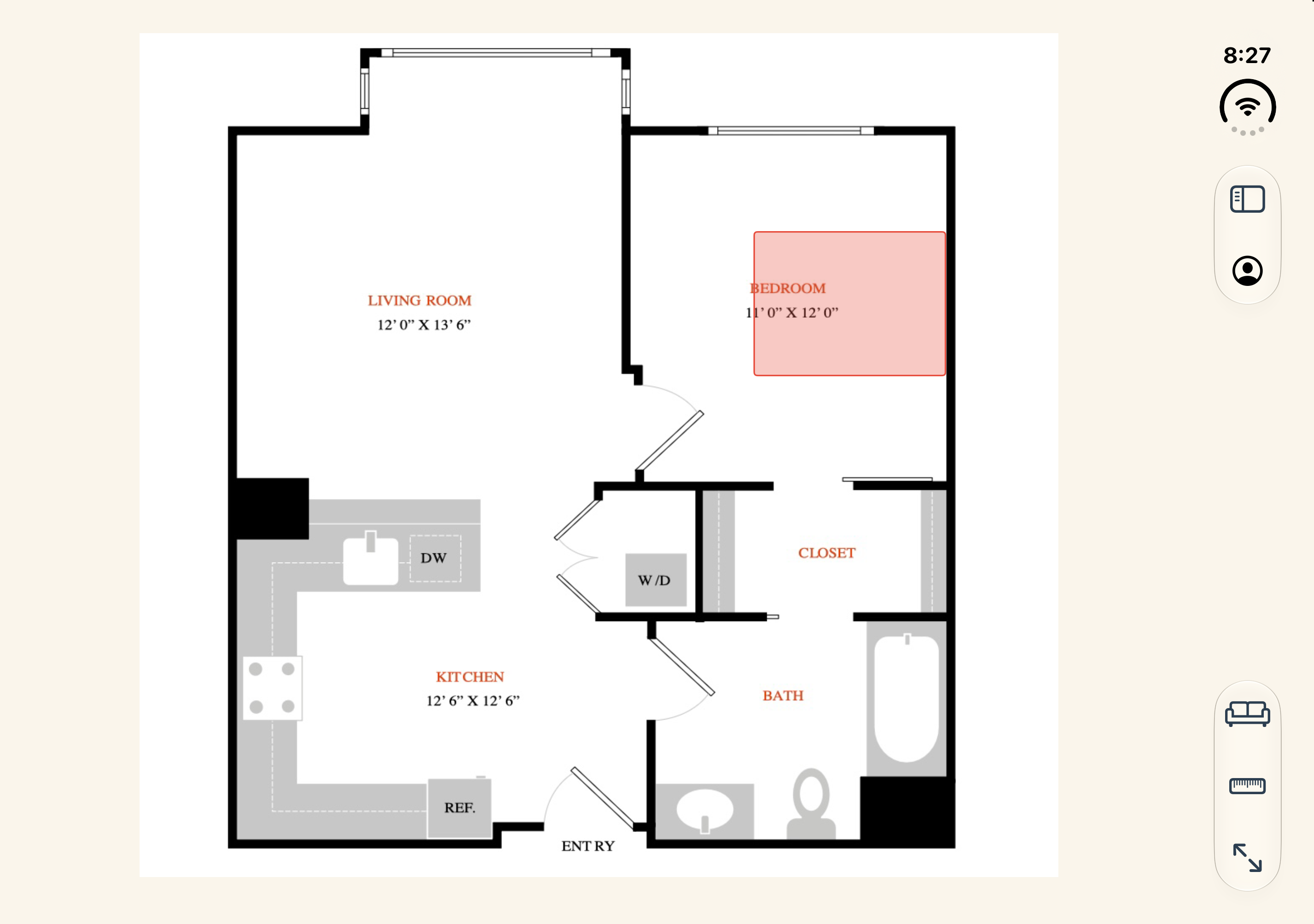
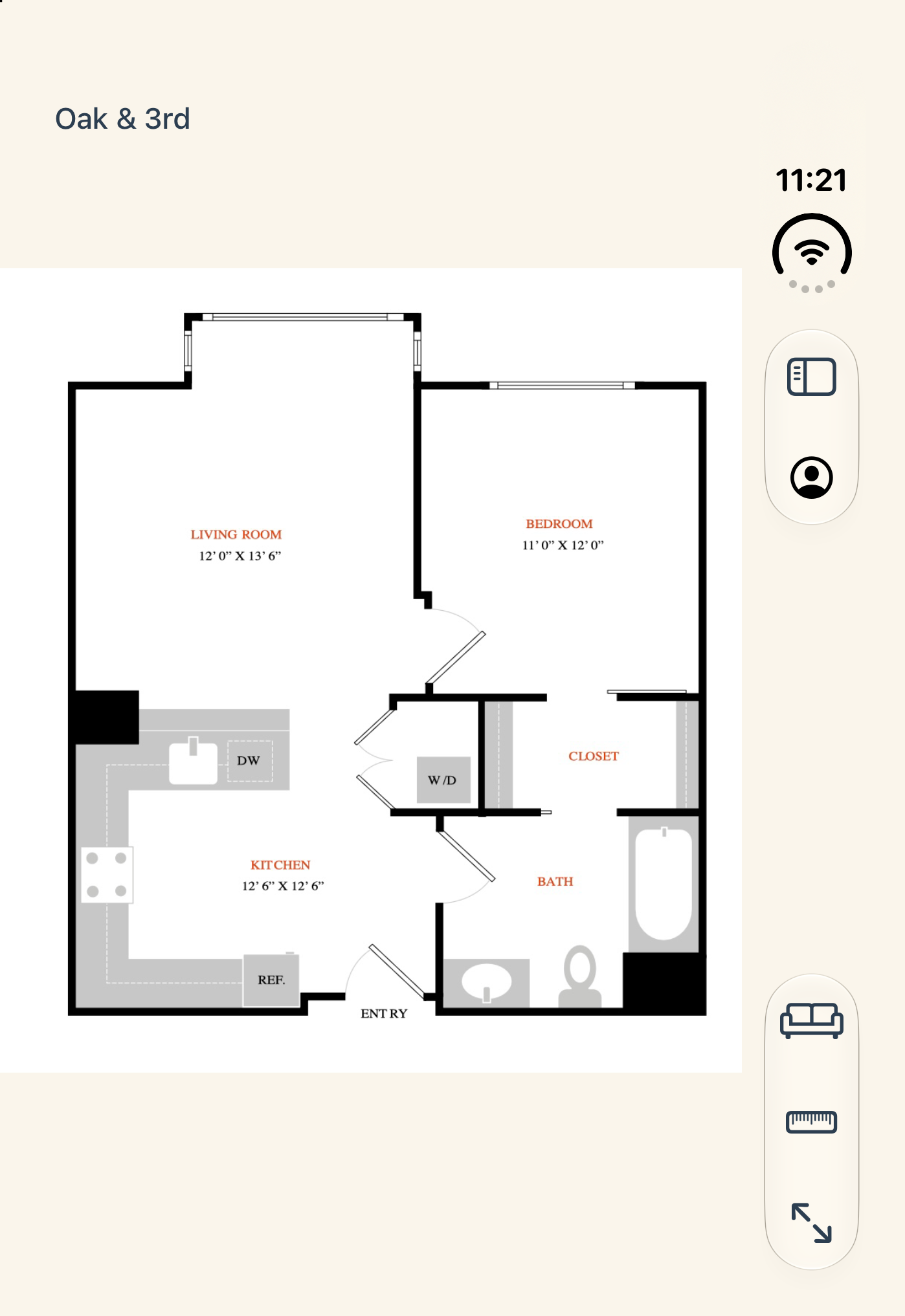
- Unfold for the big picture. Your floor plan and furniture list sit next to each other, so you can drag a Queen bed into the bedroom, then measure the gap to the wall.
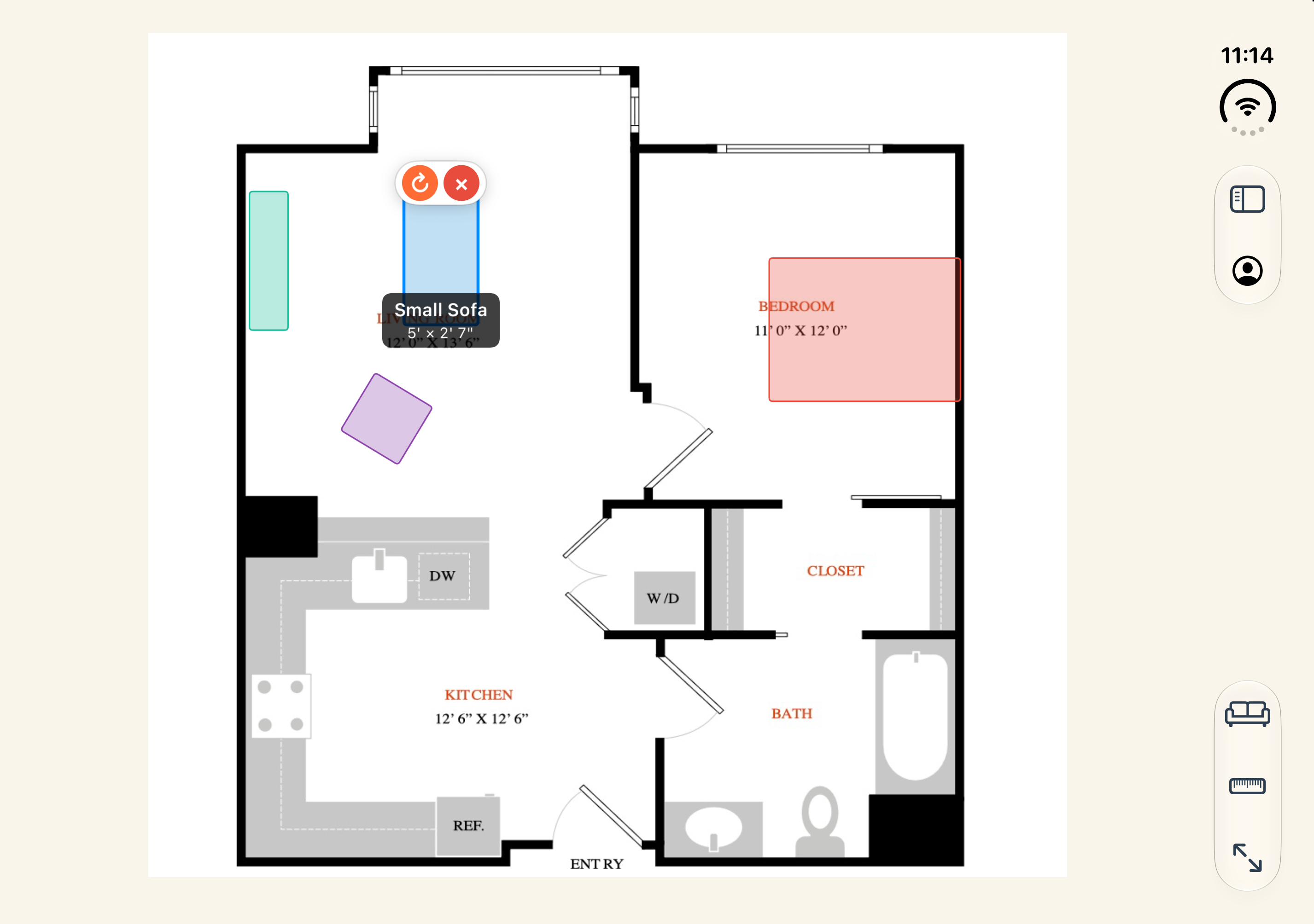
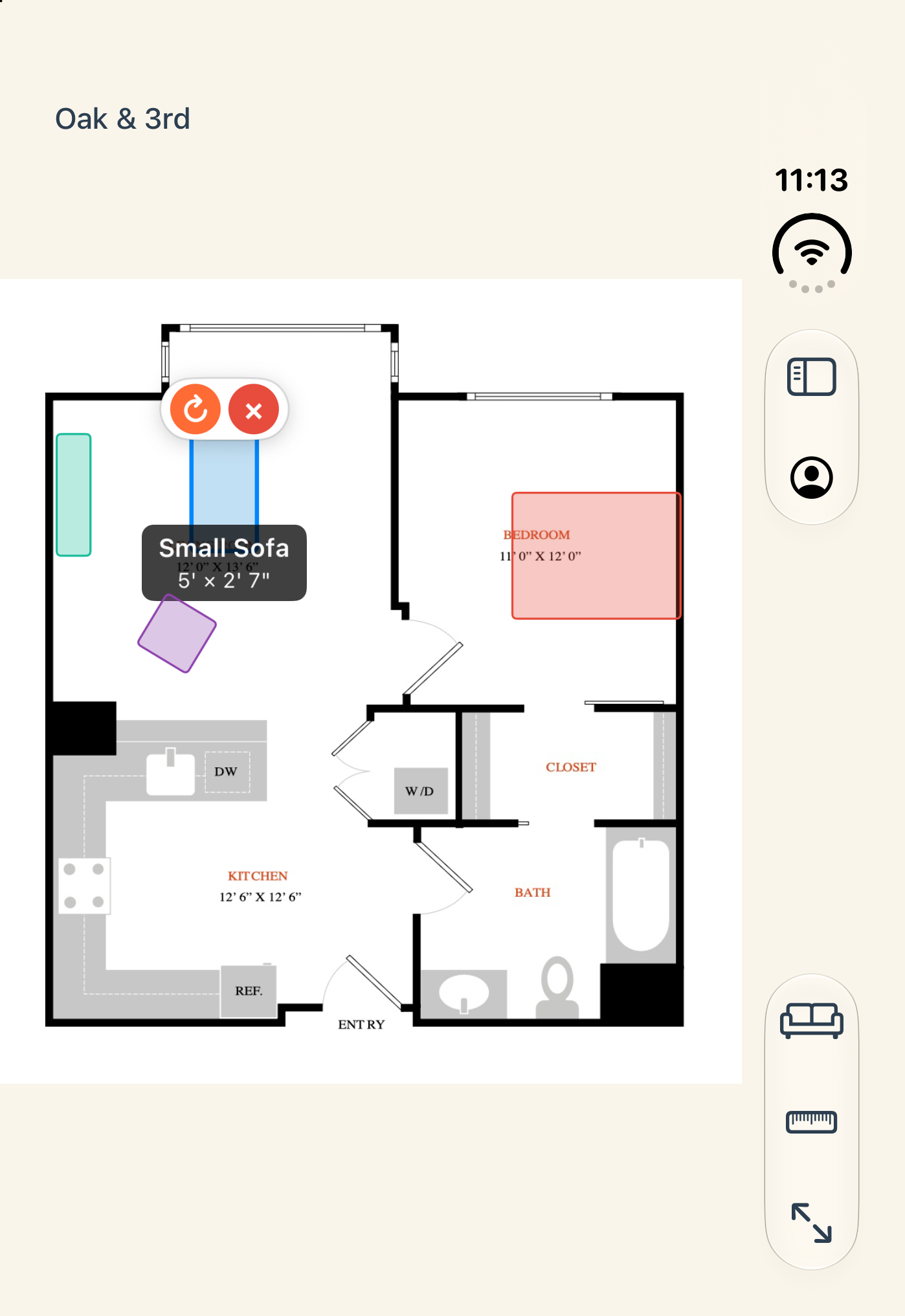
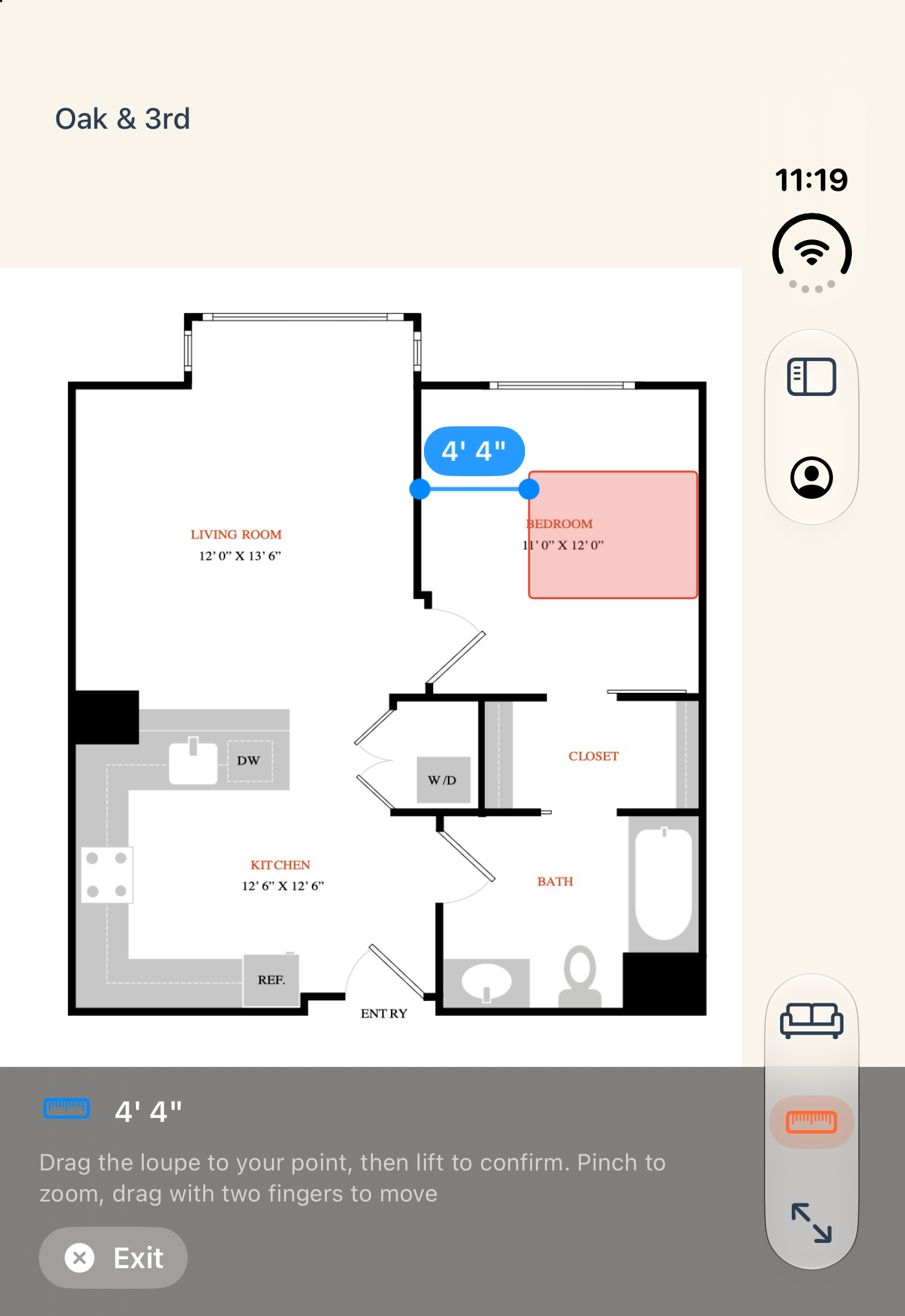
- Fold for a quick check. The full app works on the outer screen too, so you can measure a sofa in the store aisle or on moving day.
- Every pose, no black borders. The layout adapts as you open, close, and rotate iPhone Duo, and every piece stays at true scale.


How it works
- Upload a photo or screenshot of your floor plan, or draw one.
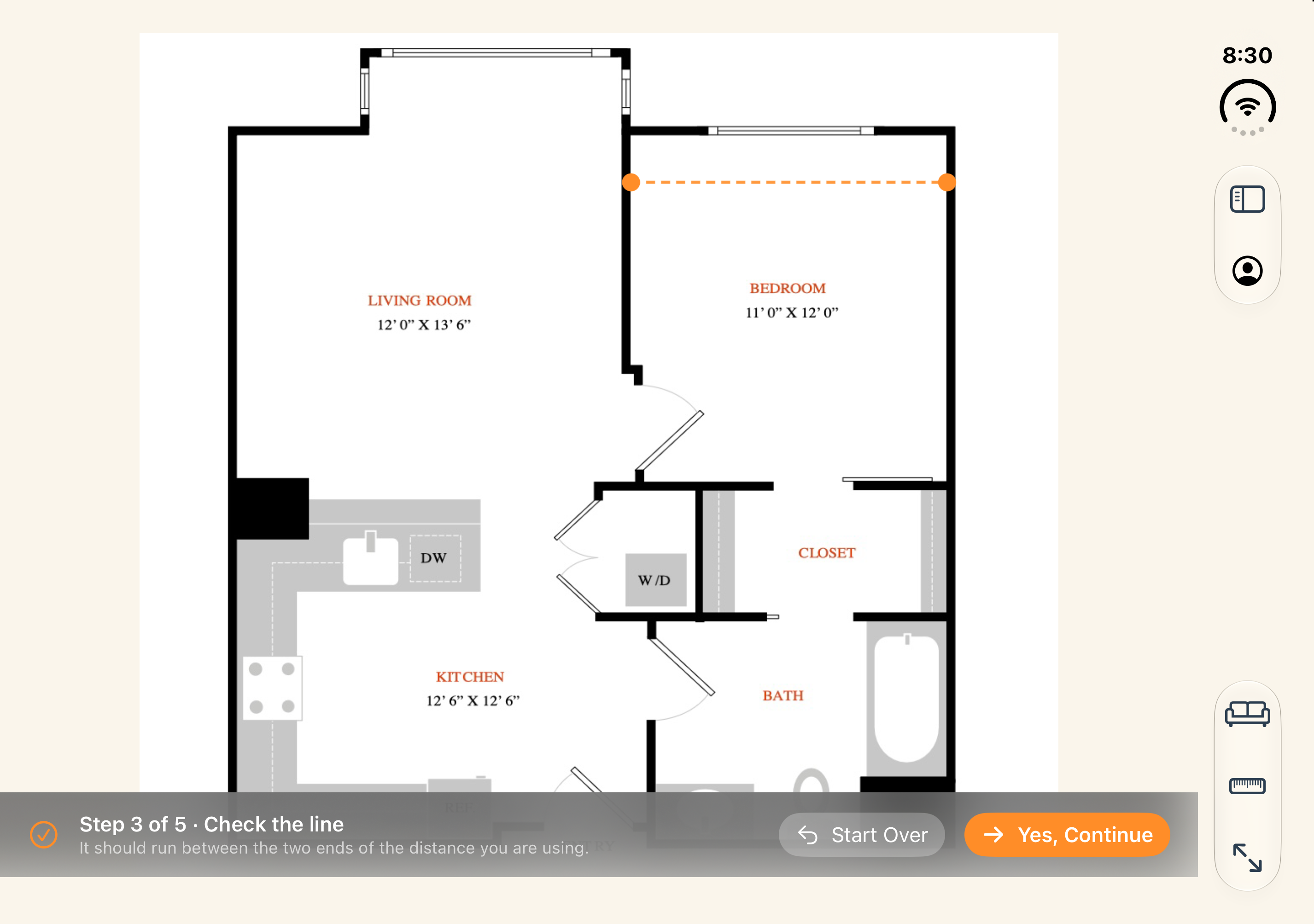
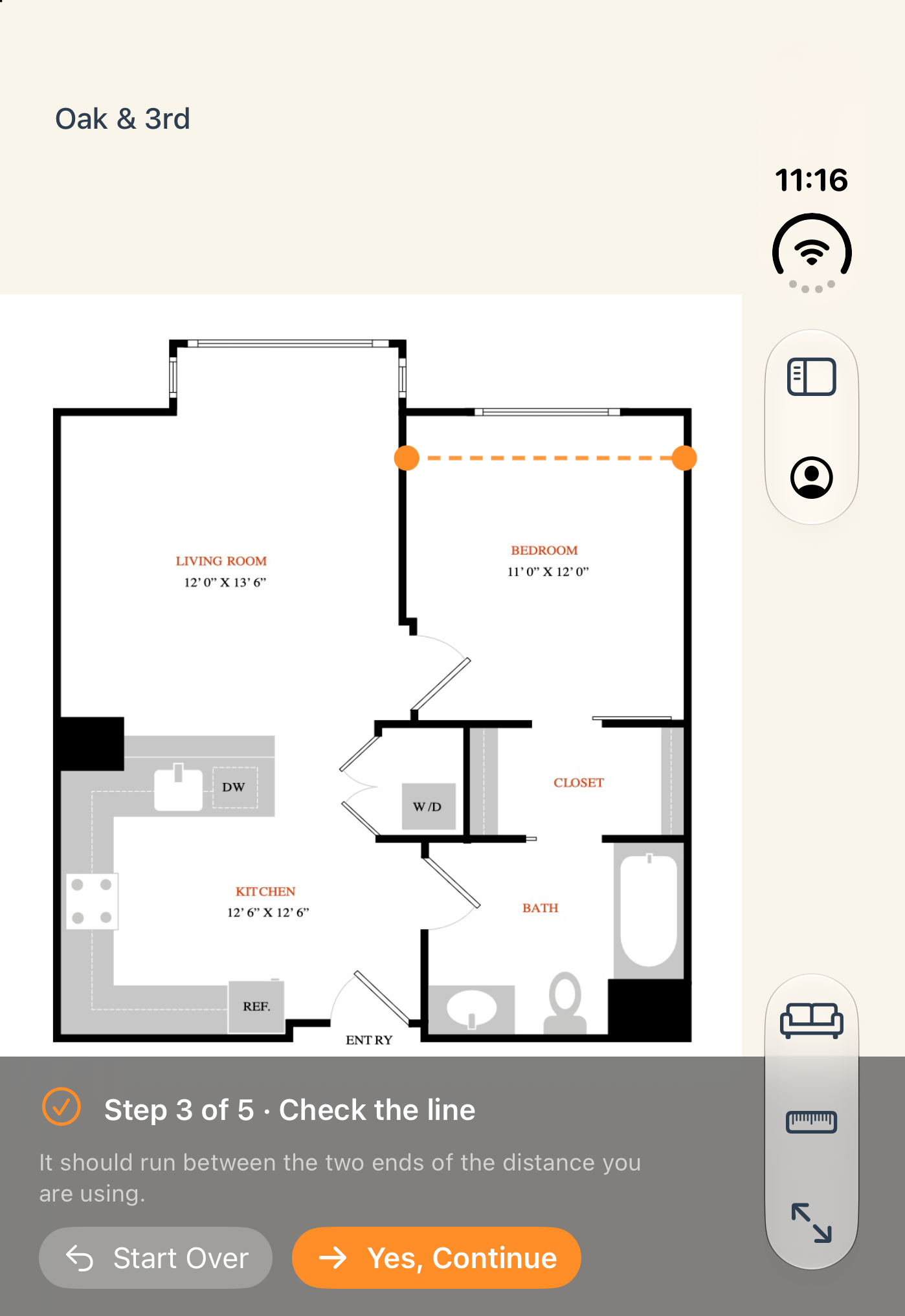
- Calibrate the scale against one known measurement, like a door or a listed room width.
- Drag in furniture at its real size and check the walkways before you move a thing.
Napkin Plan also runs on iPhone, iPad, and in any web browser.
Plan your move on iPhone Duo
Free to start, with one plan included. No credit card.
Get Napkin Plan on the App Store →For press
Covering iPhone Duo apps? Everything you need is here. Screenshots are free to use in coverage of Napkin Plan.
⬇ Download the press kit (.zip, 4.7 MB)| What it is | A floor planner for people who are moving. Upload your floor plan, then drag in furniture at its real size to see whether it fits. |
| New in 1.6 | Built for iPhone Duo. Unfolded, the floor plan and furniture list sit side by side at true scale. Folded, the outer screen runs the full app. |
| Platforms | iPhone, iPhone Duo, iPad, and any web browser, with one account across all of them |
| Price | Free to start with one floor plan. Pro on iPhone and iPad: $4.99/month or $39.99/year, with a 7-day free trial. Pro adds more plans and shared workspaces (pricing) |
| App Store | apps.apple.com/app/id6767308358 |
| Developer | John Reif, founder, Napkin Plan LLC (independent) |
| Contact | john@napkinplan.app. Promo codes are available on request. |
Screenshots
- Inner display (2853 × 2007, full resolution): plan + furniture list · furniture placed · measuring · calibrating · floor plan
- Outer display (1398 × 2034, full resolution): furniture placed · measuring · calibrating · floor plan
- Logo and icon: app icon (PNG) · logo (SVG) · logo, white (SVG)